
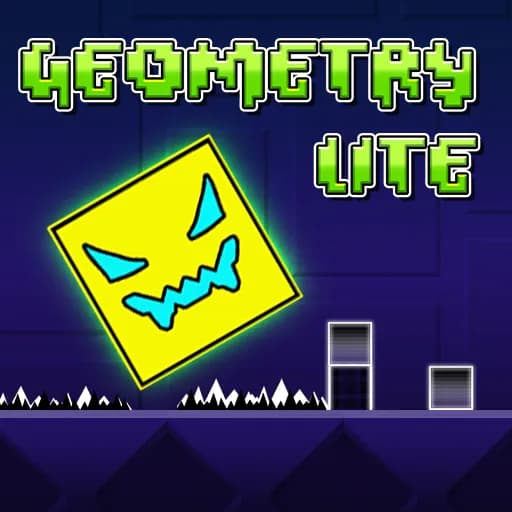
Geometry Dash Lite
Geometry Dash Lite is the free edition of RobTop Games' rhythm platformer, released by Robert Topala on 12 September 2013. This browser build carries 15 playable levels, from Stereo Madness through to Electrodynamix. Players tap the Spacebar, Up Arrow or left mouse button to jump, and one collision restarts the level from 0%. It keeps Practice Mode, but has no Level Editor and no community levels.
Controls
- Jump / Action: Press Spacebar, Up Arrow Key, or Left Mouse Click
- Mobile: Tap the touchscreen anywhere
- Pause: Use the button in the top-right corner of the game
How to Play
- Your geometric icon moves forward automatically at a fixed speed, along a track built around the soundtrack.
- Tap your jump control in time with the beat to clear spikes, saws, and block obstacles.
- Hold the jump control down to jump again the instant you land. Jump height is fixed in cube mode, so holding longer does not jump higher.
- Pass through color-coded portals to switch form: Ship, Ball, UFO, Wave or Robot, each with its own control rule.
- Reach 100% to complete the level. Hitting any obstacle sends you back to the start.
Features & Limitations (vs. Full Version)
- Official Levels: this build carries 15 playable levels in order: Stereo Madness, Back On Track, Polargeist, Dry Out, Base After Base, Cant Let Go, Jumper, Time Machine, Cycles, xStep, Clutterfunk, Theory of Everything, Electroman Adventures, Clubstep and Electrodynamix, plus a locked "Coming Soon!" card in the sixteenth slot. Level counts differ between Lite builds, so a page quoting 13, 19 or 21 is describing a different one.
- No Level Editor: Completely lacks the custom Level Editor and cannot access community-created online levels.
- Practice Mode: Still includes full access to Practice Mode, where you can place checkpoints to isolate and master difficult sections. Its percentage is tracked separately and does not complete the level.
- Secret Coins: Three per level, hidden off the main route. They only count when collected in Normal Mode.
Tips
- Play with sound on. Obstacles are placed on the beat, so following the rhythm is more reliable than reading the geometry.
- Turn Auto-Checkpoints off in the pause menu before a serious grind, so you place checkpoints yourself instead of respawning into the obstacle that just killed you.
- The pause menu carries separate Music and SFX sliders. Drop Music and keep SFX to lose the distraction without losing the audio cue that a jump landed.
- Watch the portal color before you reach it: Ship holds to rise, Ball taps to flip gravity, Wave moves diagonally, and Robot is the only form where holding longer jumps higher.