
Free Online Games
Play 100+ browser games instantly — no download, no sign-up required.







New Games

Learn to Fly

Floppy Bird

Bubble Shooter
Color Block Blast
Brick Breaker

Wordle Global

Slope 3D

Yukon Solitaire
Triple Solitaire

Tri Peaks Solitaire
Spiderette Solitaire
Spider Solitaire Windows XP
Spider 3x Solitaire
Solitaire Windows XP
Double Solitaire

Scorpion Solitaire
Memory Card Game (Solitaire Themed)
Freecell Windows XP
Forty Thieves Solitaire
Eight Off
Double Freecell
Crescent Solitaire
Baker's Game
Wood Block Puzzle
8 Ball Pool

Snow Rider 3D
Drift Boss
Subway Surfers

Slope

Geometry Dash Lite
Popular Tags
What Are Free Online Browser Games?
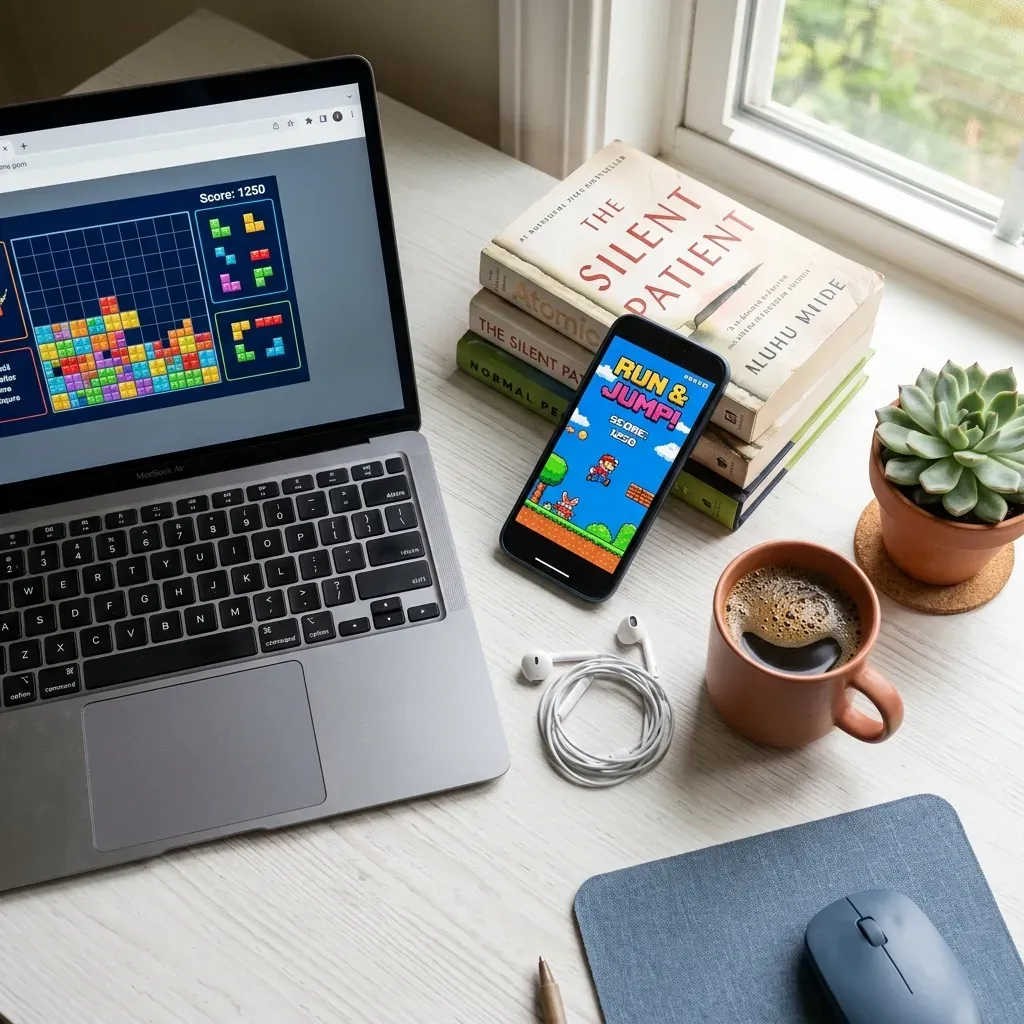
Free online games — also called web games or instant games — are browser-based games that players can access and play directly through a web browser without downloading or installing any software. Built on modern web standards including HTML5, WebGL, and the Canvas API, these games deliver smooth 2D and 3D graphics across desktops, laptops, tablets, and smartphones at no cost.
The rise of browser gaming accelerated after Adobe discontinued Flash Player on December 31, 2020. During the 2000s, Flash powered a golden age of web games on portals like Newgrounds and Miniclip. When Flash reached end-of-life, the industry shifted to HTML5 — an open standard maintained by the World Wide Web Consortium (W3C) and supported natively by every modern browser. Combined with WebAssembly, which enables near-native performance in the browser, today's web games are faster and more capable than ever. The global games market reached $187.7 billion in revenue in 2024, with browser-based gaming as one of its most accessible segments.
PLAY100 is a free browser gaming platform with a curated library of over 100 titles across puzzle, action, racing, casual, and sports categories. Every game loads directly in your browser — no account, no app store, no waiting. Browse the full collection or jump straight into a game.
Popular Game Categories
Whether you're solving brain teasers during a break or racing cars after school, PLAY100 organizes its library into clear categories so you can find what you're looking for fast.
| Category | What You'll Find | Popular on PLAY100 | Best For |
|---|---|---|---|
| Puzzle Games | Block puzzles, match-3, word games, mahjong | Block Blast, 2048, Mahjong Solitaire | Brain training, focus |
| Action Games | Platformers, shooters, stickman battles | Vex, Stickman Hook, Slope | Quick reflexes, excitement |
| Racing Games | Car racing, drift challenges, bike stunts | Drift Hunters, Moto X3M, Traffic Rider | Speed, competition |
| Casual Games | Clicker games, merge games, idle sims | Cookie Clicker, Merge Fruit, Flappy Bird | Relaxation, short sessions |
| Sports Games | Soccer, basketball, baseball simulations | Basketball Stars, Soccer Skills, Penalty Shooters | Sports fans, multiplayer |
| Arcade Games | Classic-style, retro gameplay, high scores | Pac-Man, Snake, Tetris | Nostalgia, skill challenges |
Looking for something more specific? Browse games by tags — from multiplayer and 2 player to .io games, single player, and learning games.
How to Play Free Games on PLAY100
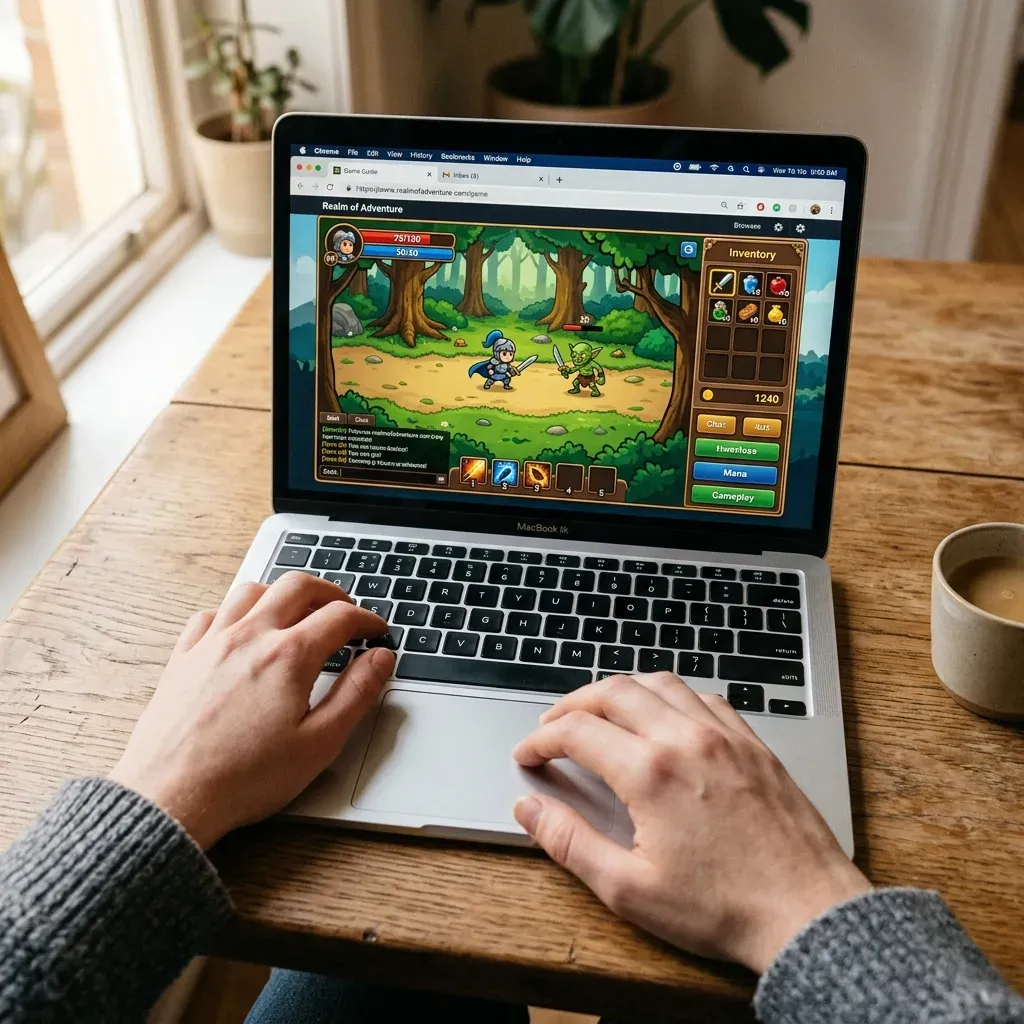
Playing free online games on PLAY100 takes three steps — under 10 seconds from start to gameplay:
- Open your browser — Visit play100.io on Chrome, Firefox, Safari, Edge, or any modern browser on your phone, tablet, or computer.
- Pick a game — Browse by category, check what's popular, or search for a specific title.
- Click and play — The game loads directly in your browser tab. No download. No login. No plugins. On mobile, tap the Play button and the game fills your screen.
Every game on PLAY100 is designed to work across devices. On phones and tablets, the player adjusts to your screen size automatically. On desktop, use the fullscreen button for an immersive experience.
Why PLAY100?
Not all free game sites are built the same. Here's what sets PLAY100 apart:
- Truly instant — Every game loads in your browser. No software to install, no account required.
- Mobile-ready — Games are tested on phones and tablets, not just desktops. The player adjusts to your screen.
- Curated library — Instead of thousands of low-quality titles, PLAY100 focuses on games that are genuinely fun to play. Learn more on our About page.
- Clean experience — No pop-ups, no redirects. Pick a game, play it, move on.
The full library is available at Browse All Games, sorted by newest, popular, or by category.
Tips for Browser Gaming
A few ways to get the most out of free online games:
- Use an updated browser. Chrome and Edge deliver the best performance for HTML5 games. Firefox and Safari work well too.
- Close extra tabs. Browser games share your device's memory with other tabs. Fewer tabs means smoother gameplay.
- Try fullscreen mode. Most games on PLAY100 have a fullscreen button — it removes distractions and gives you the full game area.
- Bookmark your favorites. Found a game you like? Bookmark the page so you can jump back in anytime.
Keep in mind that browser games have some limitations compared to native apps. Graphics-intensive 3D games may run slower on older devices, and some games require a stable internet connection to load. For the smoothest experience, use a device manufactured within the last three to four years.